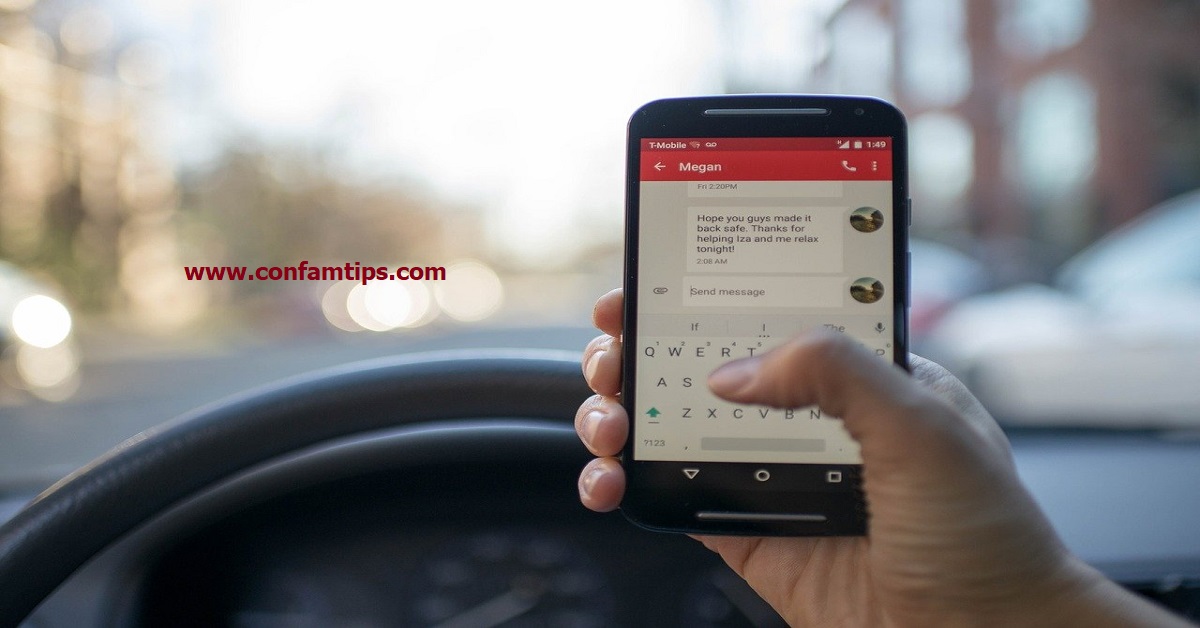
How to Block Apps From Stealing Your Personal Data From Your Android Phone.
Looking beyond the external security of your Android phone is one shift we all should make for our online security.

Looking beyond the external security of your Android phone is one shift we all should make for our online security.
Your browser is another avenue through which bad actors can get at you if it is not secure. Here is good news for Chrome browser lovers.

Being able to enable Disk encryption is a plus for Windows 10 Home Edition users in terms of physical security.

Incognito mode is a browsing mode that helps you to keep your Internet searches private on a device.

When you use any of the Google backup tools, securing your Google account should be your major concern.
Because, most of your data will be exposed the moment your account is compromised.
As our activities online increase, our ability to keep track of our passwords and other details become very difficult. Google backup is one tool we use in making this task easy for us.

Another app that syncs all your contacts to their database is Telegram. This is why you can use it for your contact recovery when needed.
Clicking install or update all on the Play store is equivalent to granting an app all its app permission on your phone at a go.
Though some Apps might prompt you on first launch to change some App permission settings, but that is not always the case.

Is your Facebook account secure?
Will you like to know if your account is secure or not by just a click of button?
Weak security setup is among the reason why many are losing their Facebook accounts to hackers on a daily basis.
you're currently offline