Trust Your Instincts, Verify Your Reality.
Cybersecurity in the age of Deepfakes, AI Agents, and Digital Identities.
Field Notes: What we are seeing this week.
A short summary of patterns across scams, attacks, and phishing messages.
Pick the hat you are wearing
Role-based shortcuts to cybersecurity
Security looks different depending on what you’re responsible for. Start with the lane that matches your life right now.
For parents
Practical steps to keep kids safe online without drama.
- Set simple, enforceable device rules.
- Use age-appropriate filters and app limits.
- Talk with kids about scams found in games and DMs.
For students
Stay productive and secure while using campus networks and shared tools.
- Use MFA for school email and cloud drives.
- Back up important projects to multiple places.
- Keep devices updated and use strong passphrases.
For small businesses
Security that scales with a small team and tight budget.
- Protect shared inboxes and financial accounts.
- Create simple staff rules that reduce phishing risk.
- Use backups and recovery playbooks for critical data.
For job seekers & professionals
Protect your professional identity and job prospects.
- Lock down LinkedIn and recovery options.
- Watch for fake recruiters and misleading offers.
- Keep portfolio files safe and share selectively.
For seniors & caregivers
Protect against urgent “family” requests, voice clones, and payment pressure.
- Create a simple “verification step” before sending money or info.
- Lock down recovery settings on email and phone accounts.
- Use bank/app official numbers—never numbers from messages.
For creators & public profiles
Stop impersonation, protect your audience, and recover fast if hacked.
- Secure your email first—then social accounts (MFA + recovery).
- Pin a “verification post” so followers know what’s real.
- Track impersonation reports and document evidence quickly.
For remote workers & teams
Reduce risk in shared tools, shared inboxes, and “urgent request” scams.
- Use a two-channel verification rule for invoices and access requests.
- Protect shared inboxes: MFA, separate logins, and role permissions.
- Make reporting easy: “If it feels off, forward it to the team.”
Recent cyber attacks by day
We track notable incidents so you see how real attacks unfold in the wild.
Fresh from the blog
Cybersecurity questions in plain language.
- The Factory Reset Myth: Why Your Wiped Device Still Holds Secrets
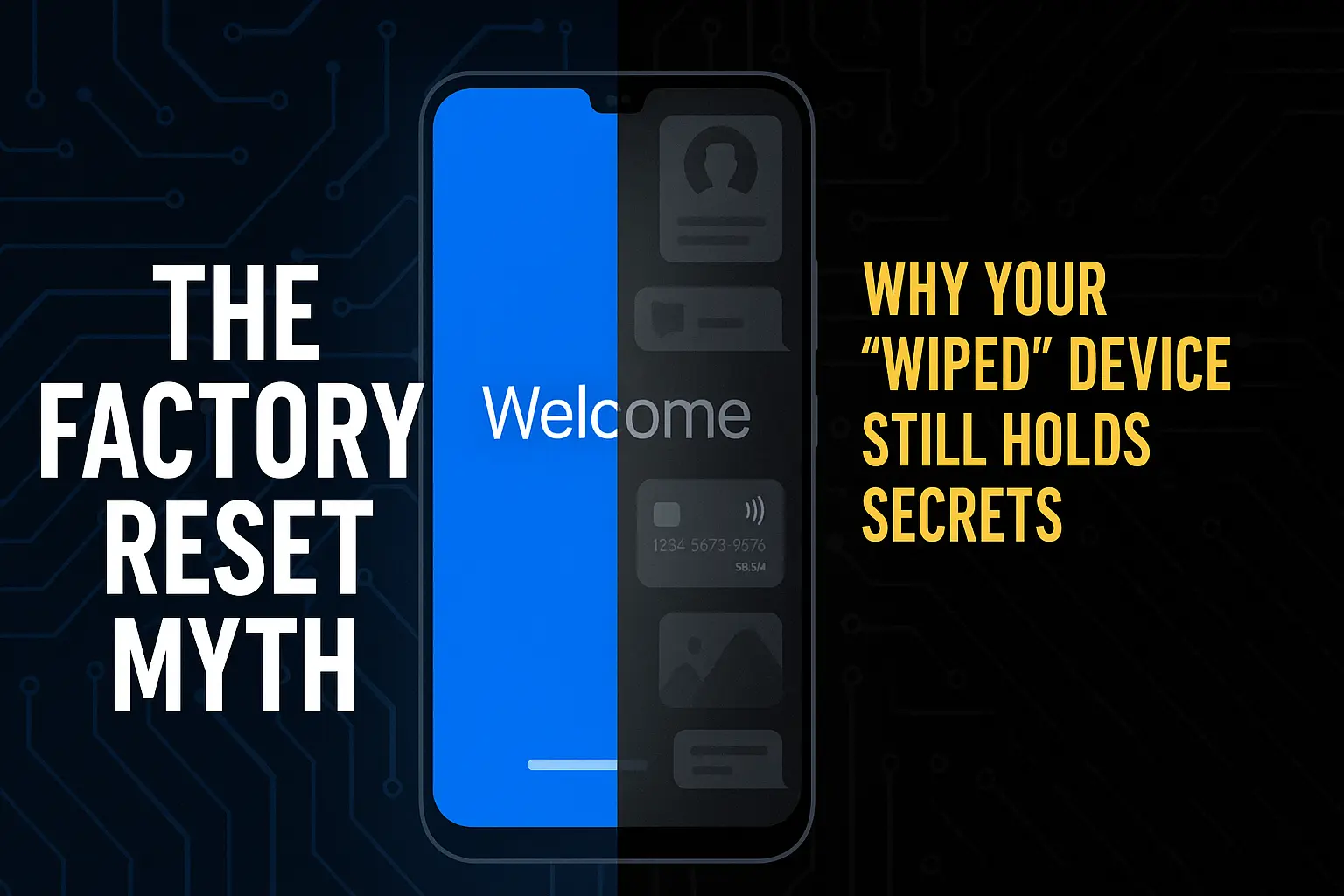 Think your device is fresh after a factory reset? Hidden fragments of your life may still be buried inside from personal chats to financial details. Discover the dirty truth about resets and how to protect your data before selling or recycling.
 - The Document Attachment Scam: Beware of Curiosity Traps
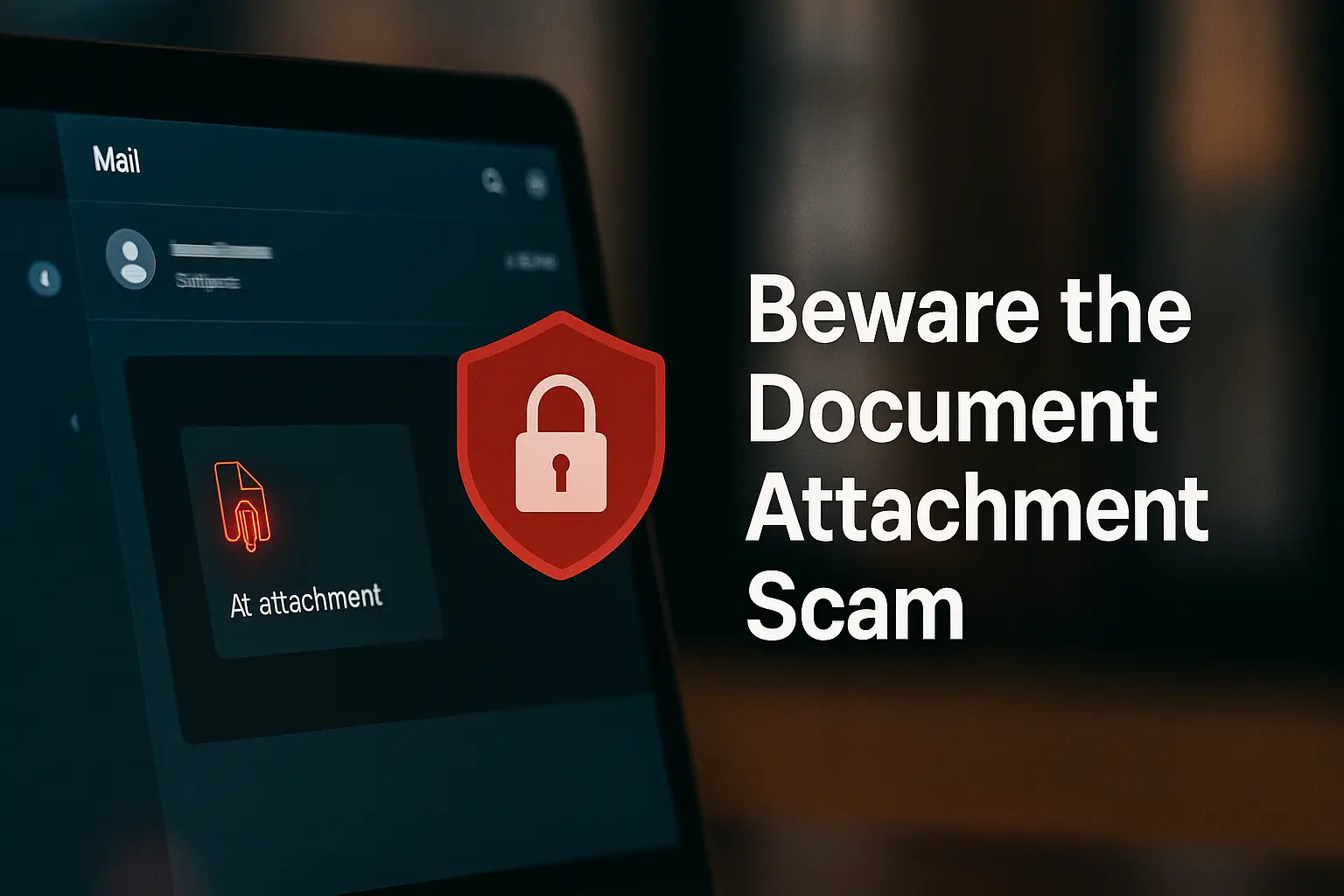 Beware the rising document attachment scam. Empty emails with fake files trick victims into opening malware. Learn how to spot and avoid it.
 - Why Your Scam-Detection Tactics Are Failing in 2025 (and What to Do Instead)
 Think you can spot a scam because you hear their voice, see them on video, or call back a “real” number? In 2025, AI scams, deepfakes, and spoofed calls make those checks obsolete. Learn the new tactics scammers use and how to truly protect yourself.
 - Say Yes Phone Scam: How Scammers Use Your Voice to Hack You in 2025
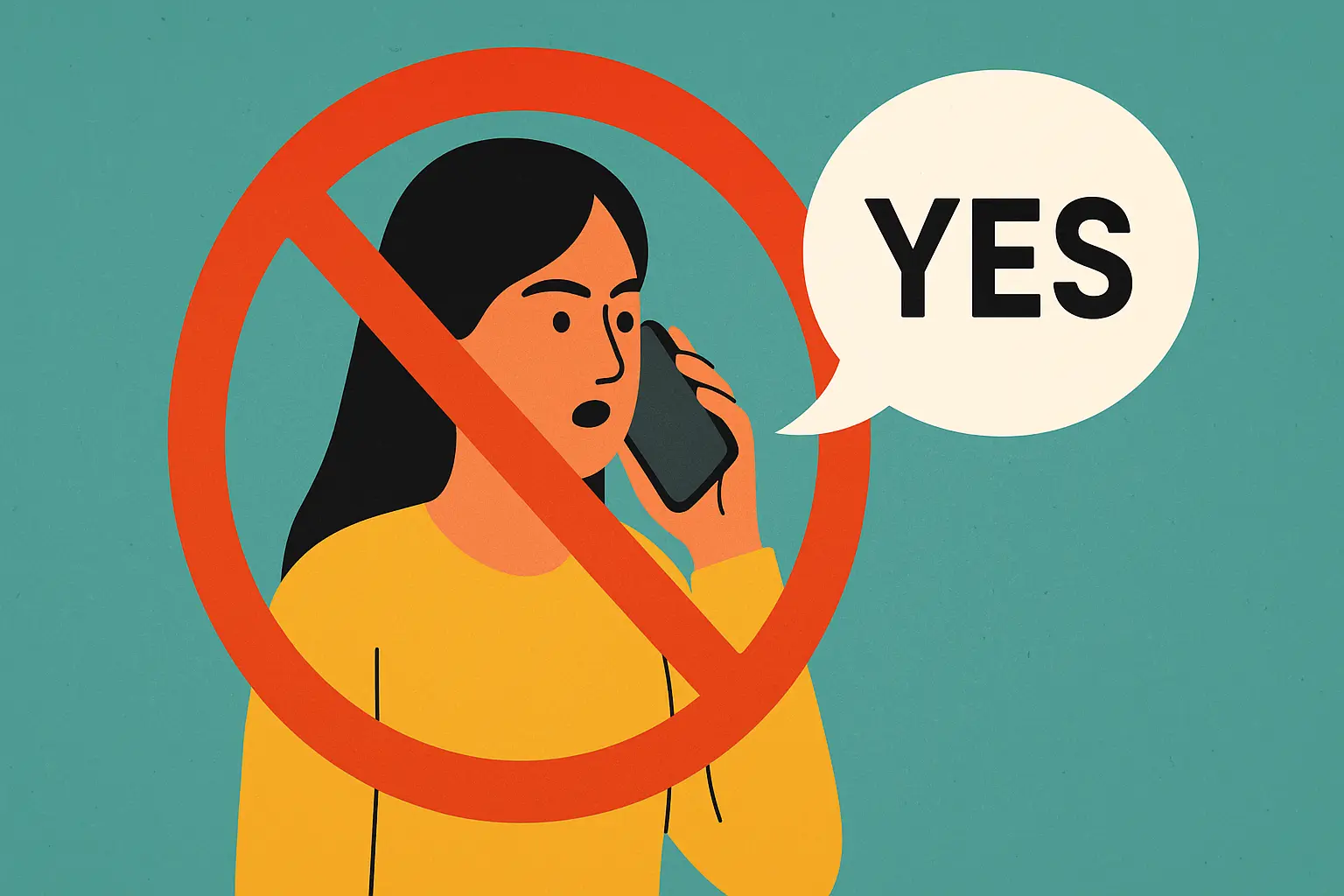 You think a phone call is harmless, but AI scams have changed the rules. Learn how one word can let criminals clone your voice and bypass security.
 - Don’t Fall for This Common Trap; How to Spot Fake Online Courses Before It’s Too Late
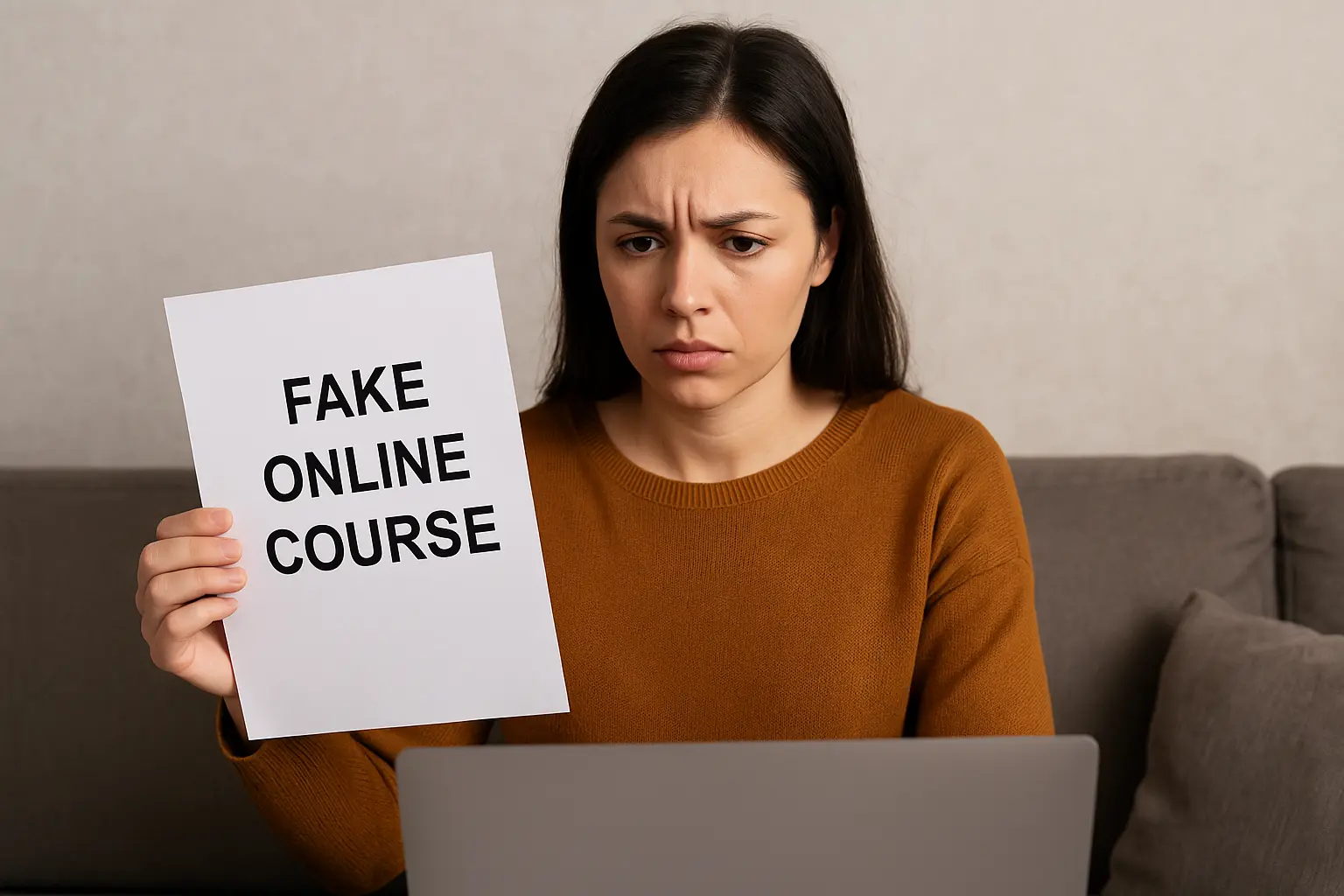 Learn how to spot fake online courses before paying. Protect your time, money, and data with these proven tips to avoid education scams.
 - What Nobody Tells You About Smart Doorbells and How They Might Be Spying on You
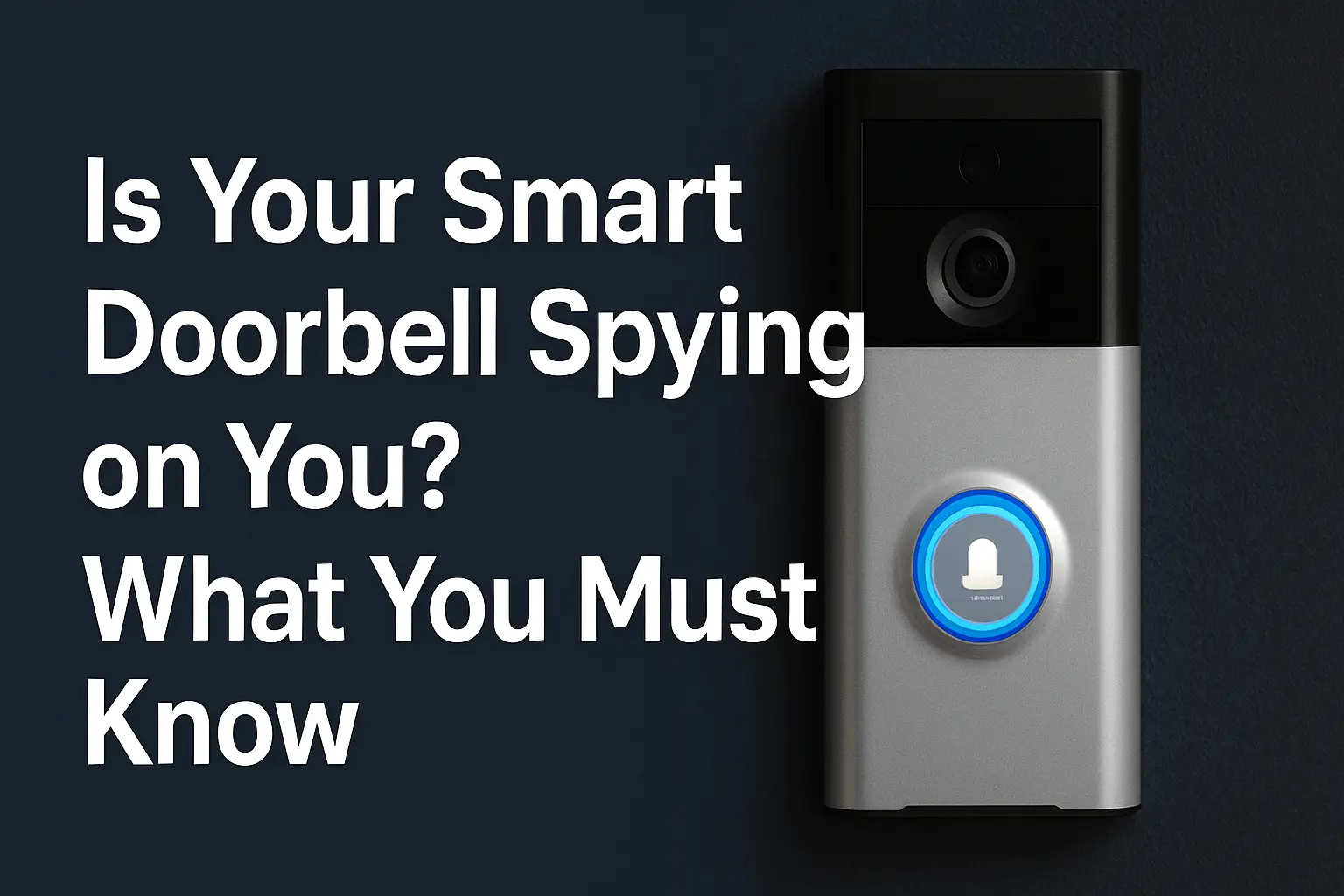 Imagine purchasing a smart doorbell to enhance your home’s security, only to discover it might be compromising your privacy. This scenario is increasingly… Read more: What Nobody Tells You About Smart Doorbells and How They Might Be Spying on You
If this happens, do this
Something went wrong?
Use these short playbooks when you’re in “oh no” mode. Each one focuses on the first 10 minutes, how to stabilize things, and how to avoid a repeat.
I clicked a suspicious link
Fast steps to stabilize, change what matters, and watch for real compromise signals.
First 10 minutes
- Stop interacting. Screenshot the page/message if possible.
- If you typed a password, change it from a different device.
- Check for “new login” alerts and unknown sessions.
My Instagram or Facebook was hacked
Recovery-first steps to regain control, clean up damage, and prevent a repeat.
First 10 minutes
- Secure the email tied to the account (that’s the real key).
- Kick out unknown sessions and reset password + MFA.
- Warn contacts: “Ignore messages until I confirm.”
I sent money or shared a code (OTP)
Speed matters. Freeze the damage, document everything, and stop follow-up attacks.
First 10 minutes
- Call your bank/app using the official number (not the scammer).
- Freeze/lock accounts and document receipts/screenshots.
- Change passwords on any account connected to the payment.
This person might be AI or an impersonator
A voice/video felt real — but “off.” Verify reality without escalating the trap.
First 10 minutes
- Pause. Switch to a second channel you control.
- Use a private verification question only the real person knows.
- Don’t send money/info until verified via trusted contact methods.
My email was hacked (Gmail/Outlook)
Your email is the master key. Regain control and lock down recovery options.
First 10 minutes
- Change password + enable MFA (use an authenticator if possible).
- Review “devices/sessions” and sign out unknown logins.
- Check recovery email/phone and remove anything unfamiliar.
My WhatsApp/Telegram was hijacked
Stop the spread to your contacts and regain access quickly.
First 10 minutes
- Re-register your number and reset app PIN/security settings.
- Warn contacts not to trust payment requests.
- Check linked devices and remove unknown ones.
I see a charge I don’t recognize
Stop further transactions, verify what happened, and protect connected accounts.
First 10 minutes
- Lock the card/account in your banking app immediately.
- Call the number on the back of your card to dispute/stop.
- Change passwords for the store/app where it might have leaked.
My phone is acting weird
Battery drain, popups, overheating, random permissions — stabilize before you panic-reset.
First 10 minutes
- Turn on airplane mode if you suspect active compromise.
- Check recently installed apps and remove anything unfamiliar.
- Change key passwords from a different device.
My laptop is acting weird after a download
Fans spinning, pop-ups, or mystery apps — practical checks before drastic wipes.
First 10 minutes
- Disconnect Wi-Fi/Ethernet to limit potential spread.
- Run built-in security scan and check startup apps.
- Back up important files (don’t copy unknown executables).
I scanned a QR code to “verify” something
QR scams bypass your instincts. Fix the risky part: what you authorized afterward.
First 10 minutes
- Check what you logged into or approved right after scanning.
- Change passwords + revoke sessions for that account.
- Watch for follow-up “support” messages (secondary scams).
I think someone has remote access
Mouse moving, apps opening, strange logins — contain first, investigate second.
First 10 minutes
- Disconnect from the internet (Wi-Fi off / unplug cable).
- Change key passwords from a different device.
- Check for remote tools installed and remove suspicious access apps.
I lost my phone or laptop
Protect your accounts fast, lock the device remotely, and prevent identity misuse.
First 10 minutes
- Use “Find My” (Apple/Google) to lock or locate the device.
- Change email password + revoke sessions.
- Notify your carrier/bank if sensitive apps were accessible.